February is a month of celebrations. Many people think that a groundhog can reveal how much longer winter will last. This short month provides a special time to show affection and kindness with or without a Valentine. February also is a time to celebrate leaders, past and present!
Some important February celebrations are:
American Heart Month, Black History Month, Children’s Dental Health Month, Groundhog Day, National News Literacy Week, Presidents’ Day, Valentine’s Day and the 2026 Winter Olympics.
You can find these resources by clicking on the image below.
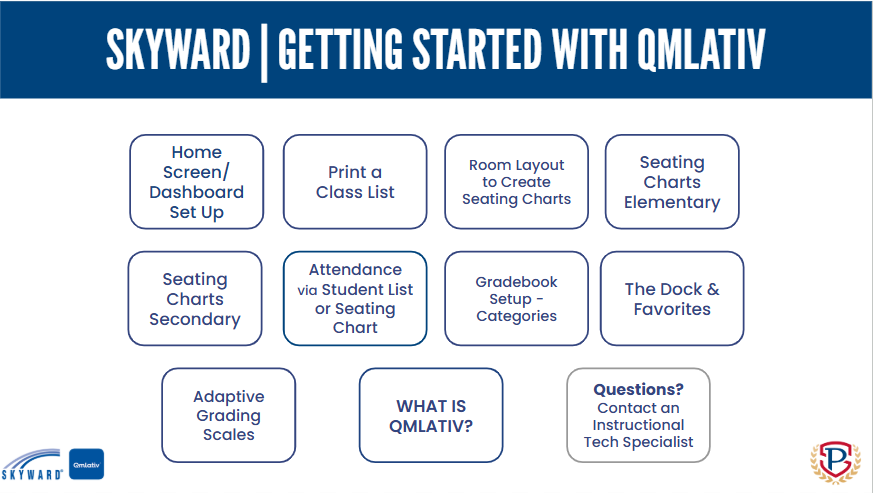
To access Skyward Q How-To Documentation, use the link in the How-To menu above, or use the short link bit.ly/PerryQmlativ.




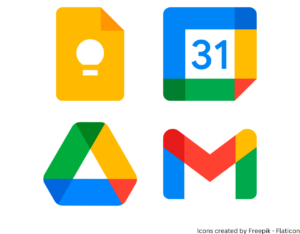
Google Keep: Create notes, checklists, and reminders that are available at all times on any device. Label and sort your notes with tags. Share a note with friends, teachers, and classmates. Pull notes from Keep into a Google Doc or Google Slides presentation.
Google Calendar: Google Calendar allows you to schedule due dates and appointments, as well as plan your time. In a shared calendar, multiple people can view and create events. All Perry Township Staff and Students have access to Google Calendar.
Google Drive & Gmail: We all end up with lot of ‘stuff’ in our Drives and inboxes but there are several tricks that you can use to help you find things more easily.
- Keep your files and emails in folders!
- The search box is your friend! Both Drive and Gmail are searchable. You can search by file type, the name of the person who sent you an email, the date something was created or modified, and many other criteria
- Use clear and simple file names and email subject lines. This makes it much easier to search for your files and messages AND to tell what their contents are without having to open and read them.
To access Skyward Q How-To Documentation, use the link in the How-To menu above, or use the short link bit.ly/PerryQmlativ.




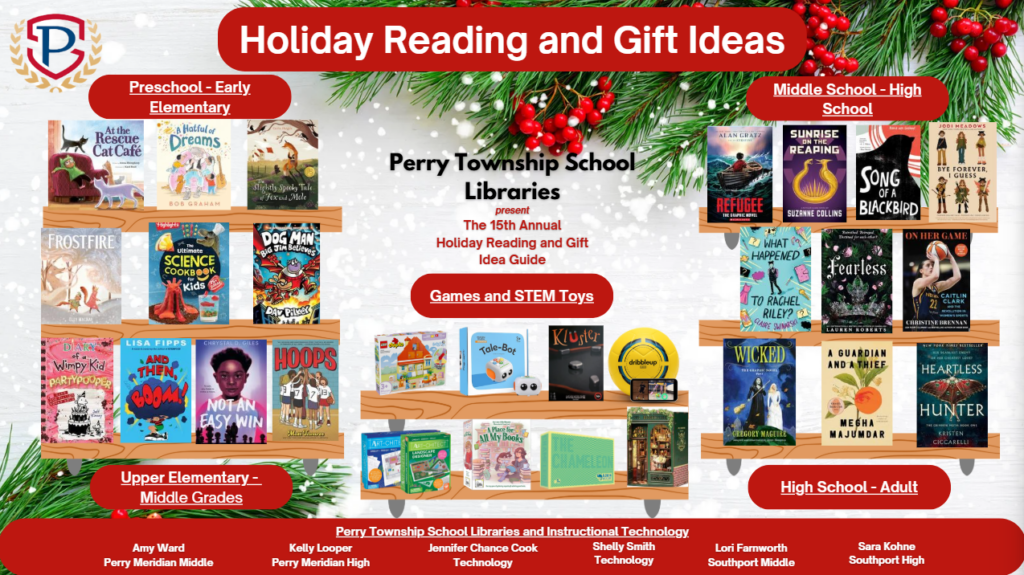
The Perry Township School Librarians and Instructional Technology Specialists are happy to share our 2025 Holiday Reading and Gift Guide. Click on the image below to launch the interactive presentation. A print flyer is also available.
To access Skyward Q How-To Documentation, use the link in the How-To menu above, or use the short link bit.ly/PerryQmlativ.
The updated version of Skyward, Skyward Qmlativ, is now live. Our links from the resource portal and the district home page have been updated to direct you to the new live database. Please update any bookmarks that you may have as well!
Click on the image below, follow the link in the How-To menu above, or use the short link bit.ly/PerryQmlativ to access our help documents.
Embrace the summer months with exciting learning opportunities! From interactive online websites and links to community learning events, we have something for every student to explore their interests and build new skills. Make this summer a time of discovery and growth.
Students –
Check out our summer learning resources by clicking on the Summer Learning for Students image.
Teachers –
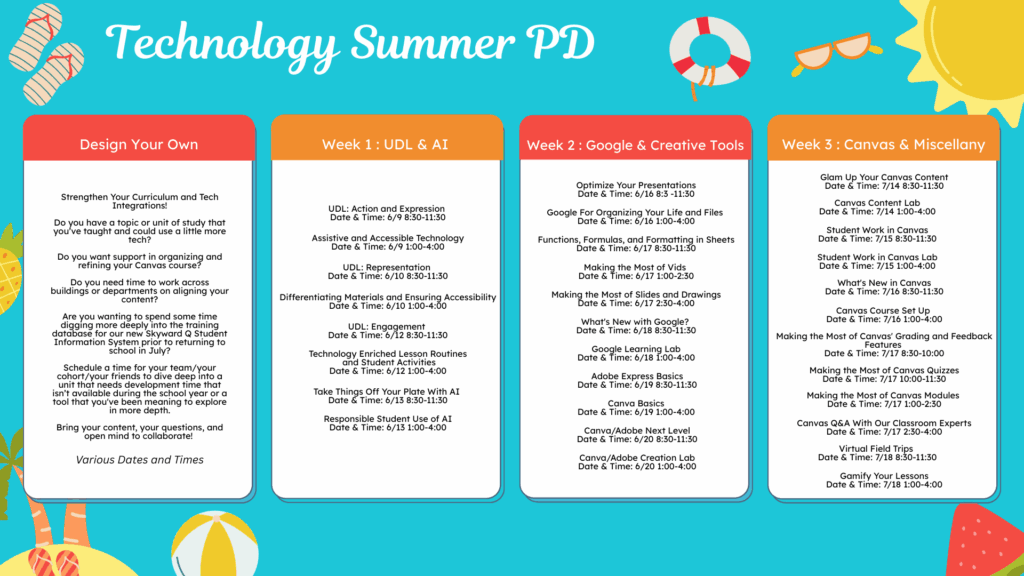
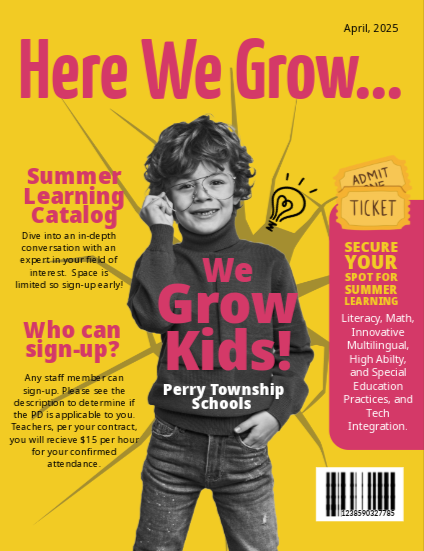
Click on the Technology Summer PD image below for detailed information about Summer Professional Development Classes from the Technology Coaching Team or the “Here We Grow” image to access the Catalog of PD offerings from other departments.